
Happl MCP: your benefits data, wherever you work


Benefits data lives inside your benefits platform. It sounds so obvious, why would it ever be different? But every time you need a figure you leave whatever you're doing to go and get it. Log in, find the report, set the filters, export, come back. It is a small interruption, but do it dozens of times a week and it adds up quickly.
We think benefits data should come to you, not the other way around.
Today we're launching Happl MCP, the first MCP for employee benefits. MCP (Model Context Protocol) is the open standard that lets AI assistants connect to live data sources. It brings your live benefits data directly into the AI tools your organisation already uses and approves, including Microsoft Copilot, ChatGPT and Claude.
It only works with AI your organisation has already vetted and approved, and you authenticate once through your existing Happl login.
Get benefits data without going to get it
HR and finance teams already do a lot of their work inside AI tools. Writing board packs, preparing CFO updates, handling enrolment, answering employee queries. But every time you need a specific figure, you have to login to your benefits platform and find it yourself.
Happl MCP removes that step. You stay in the tool you're working in and ask for what you need, like you would any other prompt.
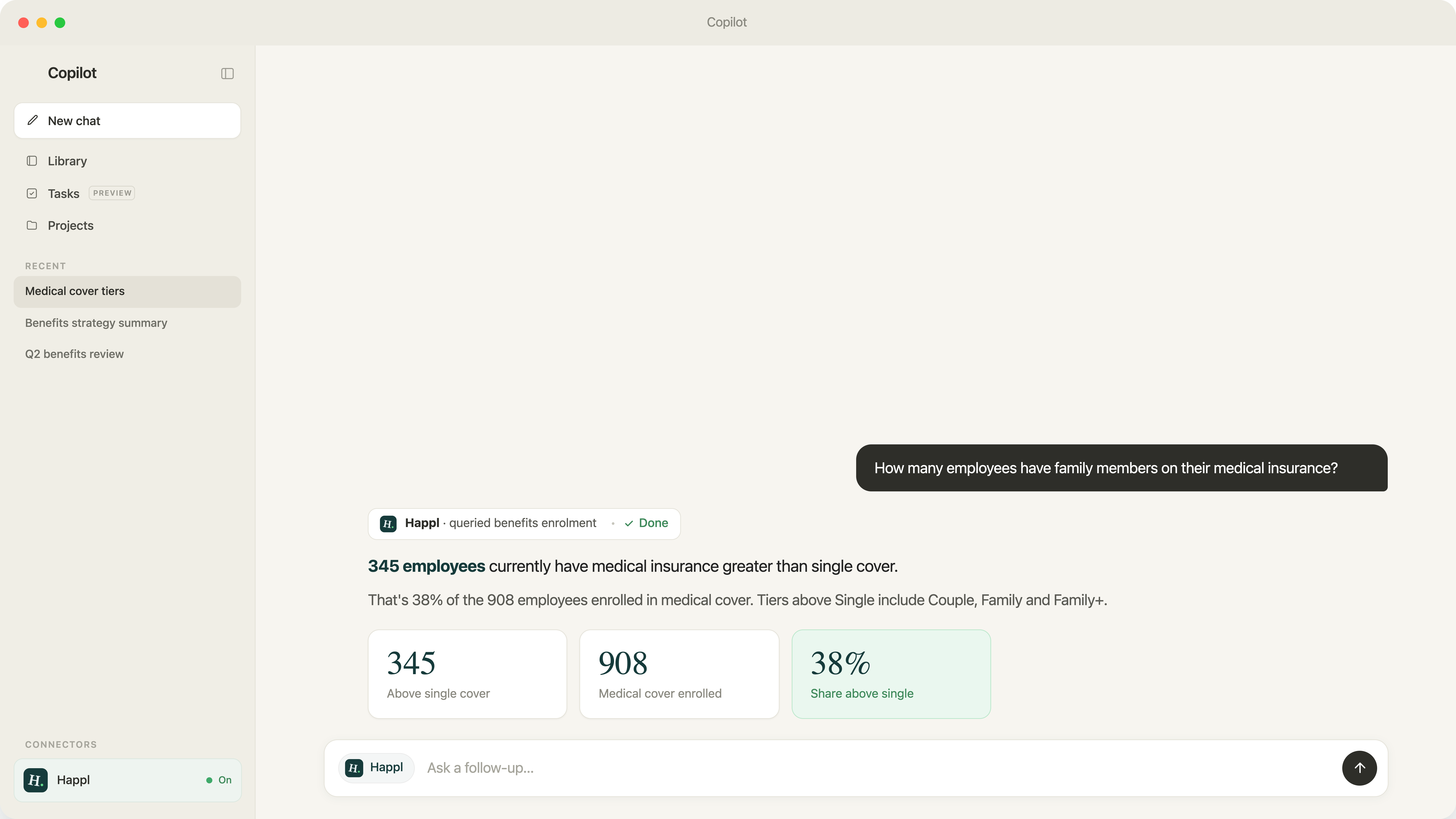
What's our total benefits spend in Germany this quarter, split by benefit type? How many employees in Poland have private medical? What's enrolment completion across the UK workforce?
Your AI assistant pulls the answer directly from Happl in real time and returns it in the conversation, ready to drop into the document or deck you're writing. You don't need to remember which report it lives in or how the filters work.
What you can do with it
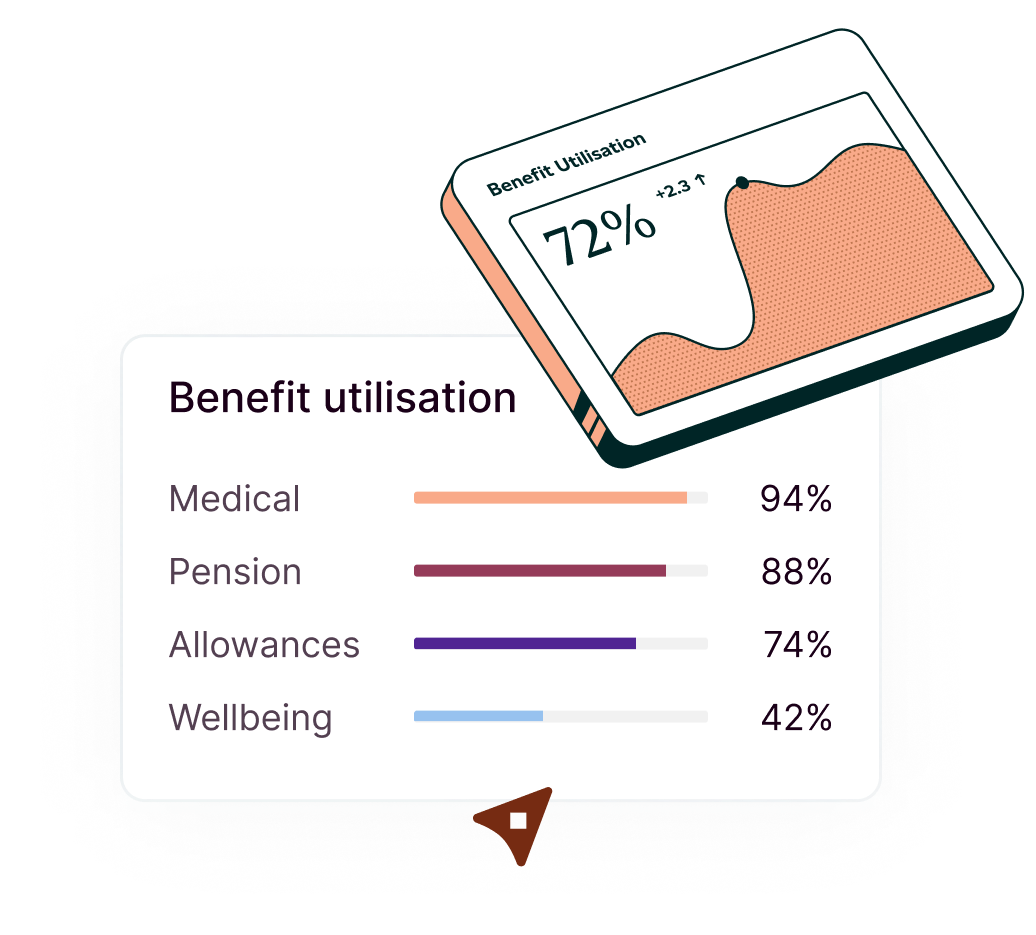
Spend and enrolment reporting. Get spend by country, benefit type or provider without opening a single report. Useful for monthly finance reviews, board packs and quarterly analysis.
Benefits summaries by region. Pull a clean summary of what's offered in any country you operate in. Useful for onboarding new employees and answering HR queries.
Enrolment completion. Check how far your workforce has got with their selections, filtered by team or region, in seconds.
Board and CFO prep. Build slides and documents with live Happl figures, right inside the tool you're already writing in.
How Happl's MCP works
Find Happl in your AI assistant's connector directory and sign in once. It’s the same authentication so just as secure as logging onto the platform directly. Your Happl permissions carry across automatically, so you only ever see the data you're authorised to see.
From there, ask anything. Your assistant pulls live figures from Happl and returns them in the conversation. Giving you all the data you have access to inside the platform but accessible from the tool you’re already working in.
At this stage, the connection is read-only. It can pull information to answer questions, but it cannot change records, update settings or alter benefit selections.
.png)
Benefits that work the way you do
Happl makes benefits simple to manage and use. So it only makes sense that the information you need should be simple to access, right where you need it.
We're rolling out the Happl MCP in beta now, with general availability later this year. Book a demo or speak to your account manager to get early access.



Offer true flexibility to your team today
See how Happl runs spend allowances at scale, with eligibility, spend controls and payroll reporting automated across every market you operate in.