
Happl MCP
Your benefits, inside the AI tools your team already uses
Connect Happl to Microsoft Copilot, Claude and ChatGPT. All your benefits data available wherever you need it. Just ask for the latest figures, no need to export data or switch platforms.
Stop exporting reports.
Start asking questions.
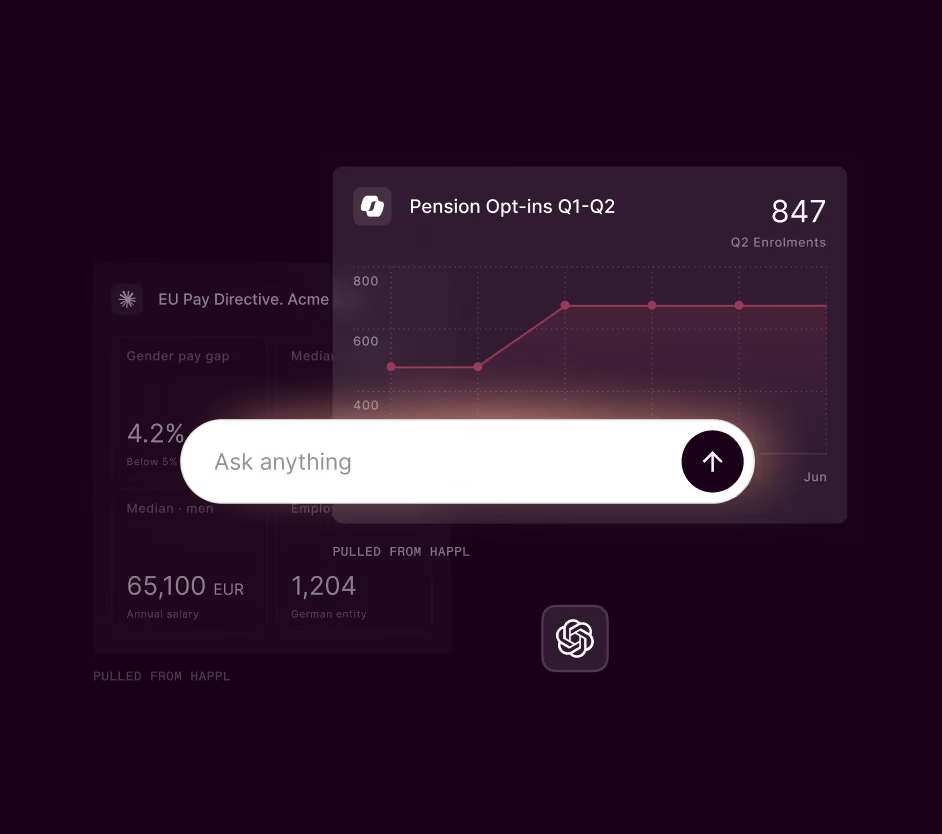
You used to have to go looking for benefits data, log in to your benefits platform, filter, download a CSV. With Happl MCP, you ask a question in your preferred AI tool and get an immediate answer.
- Live, accurate data. Every answer is pulled from Happl in real time.
- Your model, not a new one. Happl connects to the AI your business already runs and approves.
- Plain language queries. Ask questions the way you'd talk to a colleague.
Plug into the model you've already approved
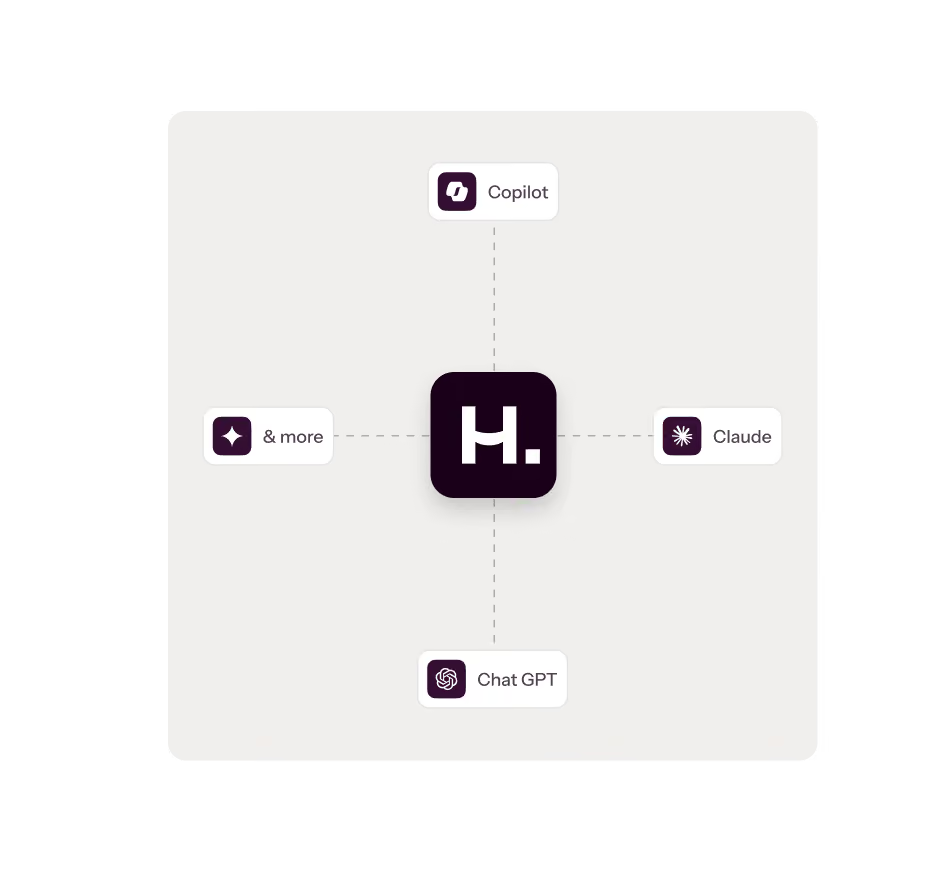
Happl MCP doesn't ask you to adopt a new AI. It feeds your live benefits data into the assistant your organisation already uses and has signed off, Microsoft Copilot, Claude or ChatGPT. You get all the data you need and nothing leaves your approved environment.
- Your own approved model. Happl supplies live benefits data to the AI tool your business has already chosen.
- Read-only by design. The connection doesn't change records, settings or selections.
- Governed by you. Your existing permissions apply and admins can manage connected tools.

Connect once.
Then just ask.
Happl MCP uses the Model Context Protocol, the open standard for connecting AI assistants to live data, to give your tools secure access to your benefits.
- Add Happl to your AI tool. Find Happl in your assistant's connector directory and sign in once. Your permissions carry across automatically.
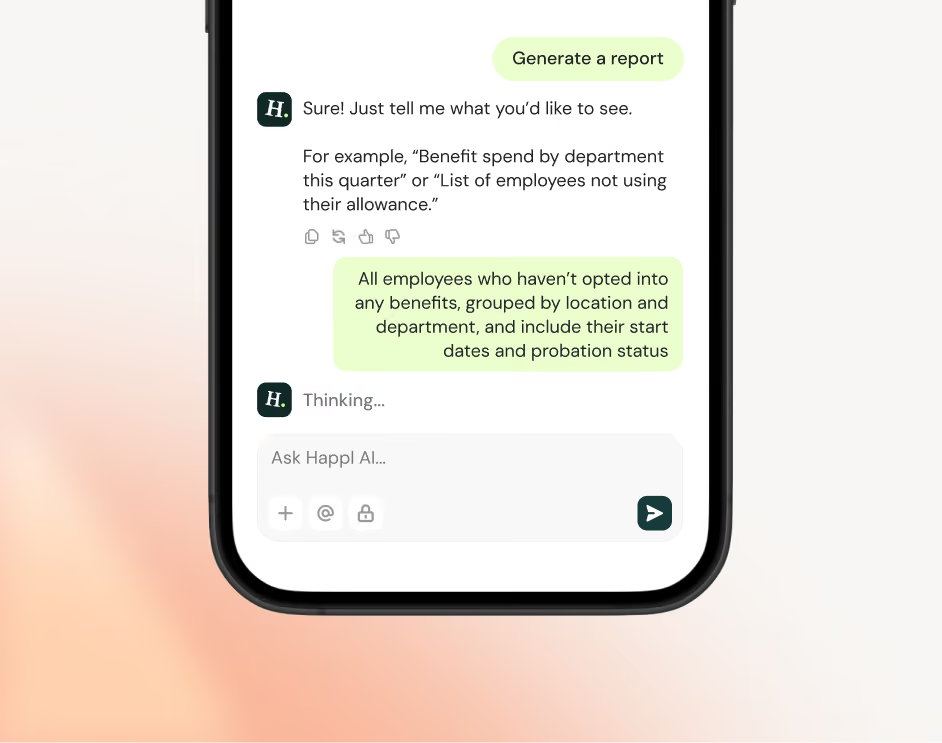
- Ask in plain language. Type the question the way you'd say it out loud, no report names or filters required.
- Get live data back. Your assistant returns the latest figures from Happl, right in the conversation, ready to drop into a doc, deck or email.
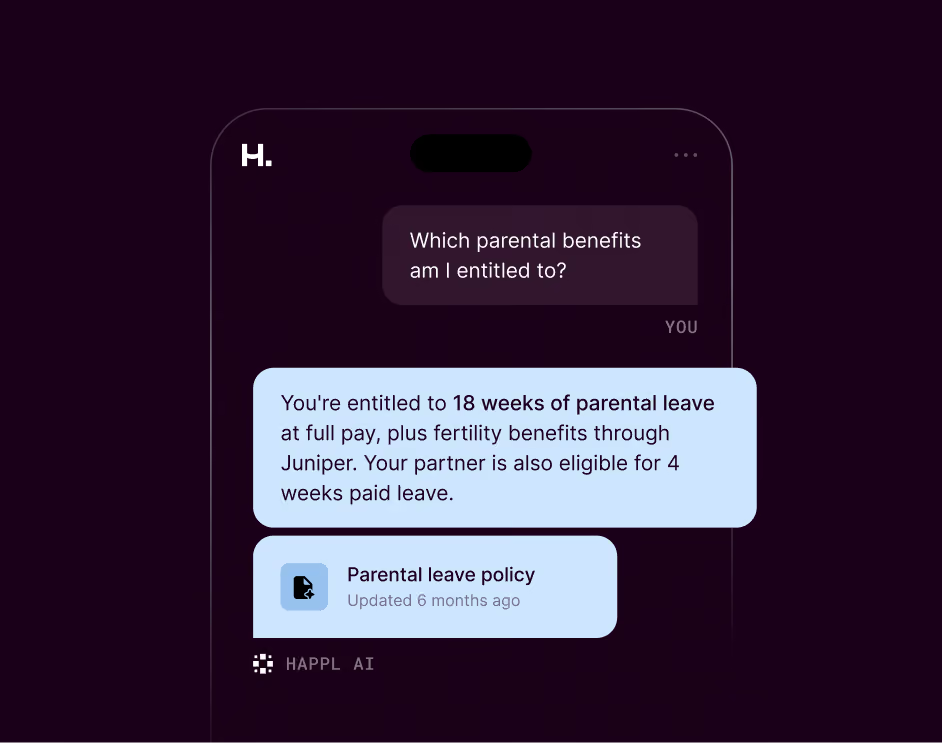
The questions HR and finance teams ask every day
From a quick headcount check to a board pack, get Happl data wherever the work is already happening.
“How many employees in Poland have private medical, and what’s the monthly cost?”
Get spend and enrolment by country, benefit or provider, without opening a single report.
“Which benefits are available to employees in Singapore?”
Get a clean summary of what's offered anywhere you operate. Useful for onboarding and employee questions.
“Who hasn’t completed their benefits selections yet?”
Check completion across the workforce, or filter to a team or region, in seconds.
“Pull the numbers I need for the board benefits slide.”
Prep CFO updates and board packs with live figures, right inside the document you're writing.
Benefits data that speaks your AI's language
Benefits data that speaks your AI's language. Most platforms make you come to them. Happl goes the other way, plugging straight into the AI model your team already uses and trusts, using the same open protocol the leading assistants are built around.
Frequently Asked Questions
Get your Happl data directly in the AI tools you're already working in.
MCP stands for Model Context Protocol. It lets AI assistants connect to live data from specific platforms, rather than relying on what they were trained on. So when you ask a question in Microsoft Copilot, Claude of ChatGPT, it can fetch real futures from Happl and return them directly in your conversation.
Happl is the first benefits platform to build a MCP connector.
Find Happl in your AI assistant's connector directory or via public URL and sign in once. Your existing permissions carry across, so you see the same data you'd see inside Happl.
Then you can ask questions, like ‘How many employees are enrolled in our Level 5 dental plan?’ Or ask your AI assistant to create a management-ready summary of your benefits strategy, including uptake, engagement and usage.
Simply ask in natural language and get the information you need, without jumping between systems.
For now, the connection is read-only. It can pull benefits data to answer questions, but it cannot change records, update settings or alter benefit selections.
Access is governed by your existing SSO and role-based permissions, so people only see what they're already authorised to see inside Happl.
Happl feeds data into the AI tool your organisation has already approved. Nothing is processed by a model you haven't signed off.
MCP access is available to Happl customers. Book a demo or chat to your Account Manager to talk through what's included in your plan.
We're rolling out the Happl MCP in beta now, with general availability planned later this year. Book a demo or speak to your account manager to get early access.
No. Happl works as a standalone benefits platform. MCP is an additional way to access your data from inside AI tools your team already uses. If it's useful, it's there. If not, nothing changes about how you use Happl.
The new way of working for benefits teams
Book a demo to see how Happl's MCP can streamline your benefits admin.