Introducing Widgets: What's new on Happl's homepage
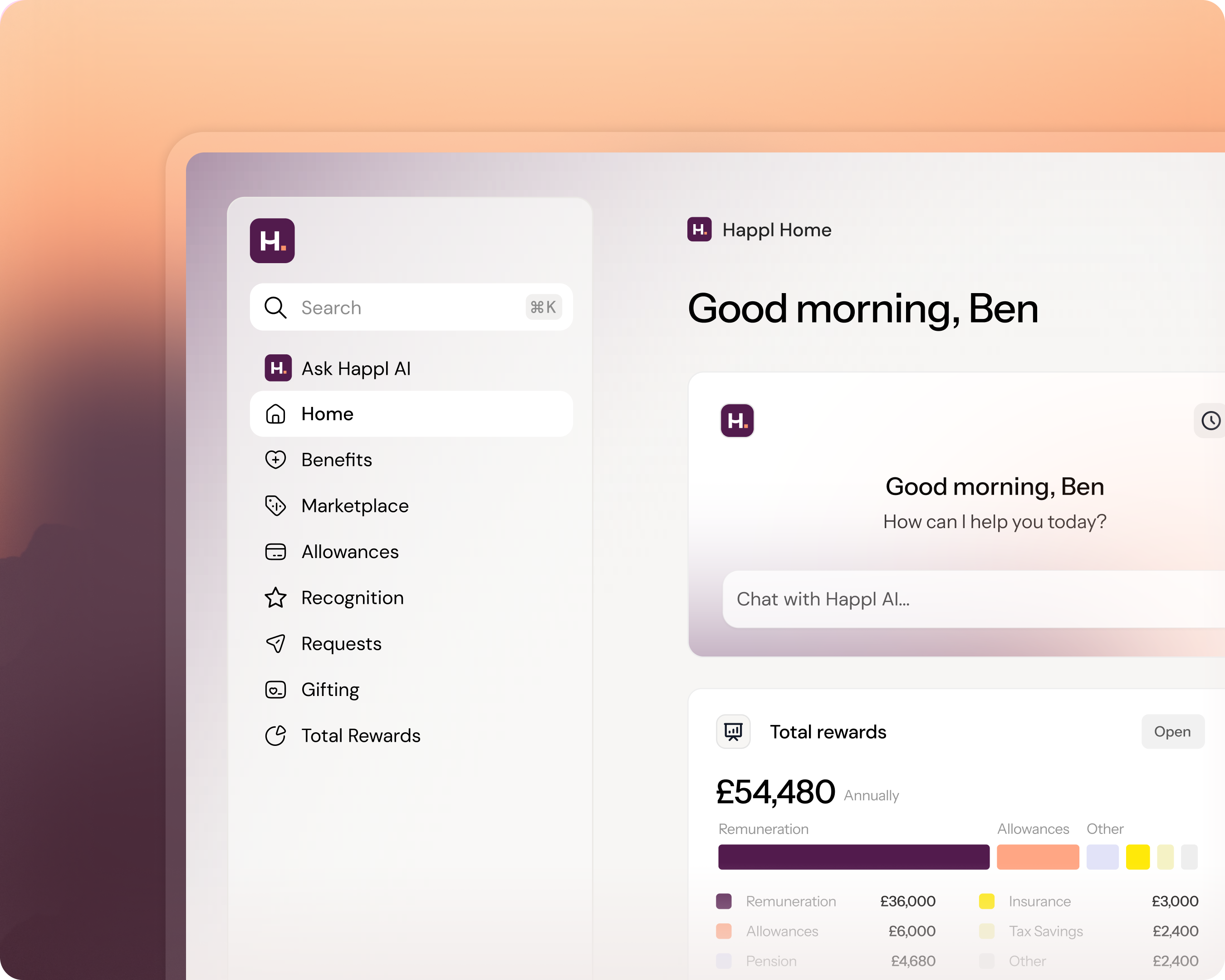

Meet widgets. They put everything your employees need right on their Happl homepage. So now it's even easier for them to find and use their benefits.
The benefits they have, what their package is worth and what's left to spend all sit in one place. Each one is a click away from the full details. So they can explore everything on offer and get the most out of Happl.
And the things you most want them to see, like a new benefit or your employee assistance programme, are right there when they log in.
Here's a closer look at what's on the new homepage.
See which benefits are already active
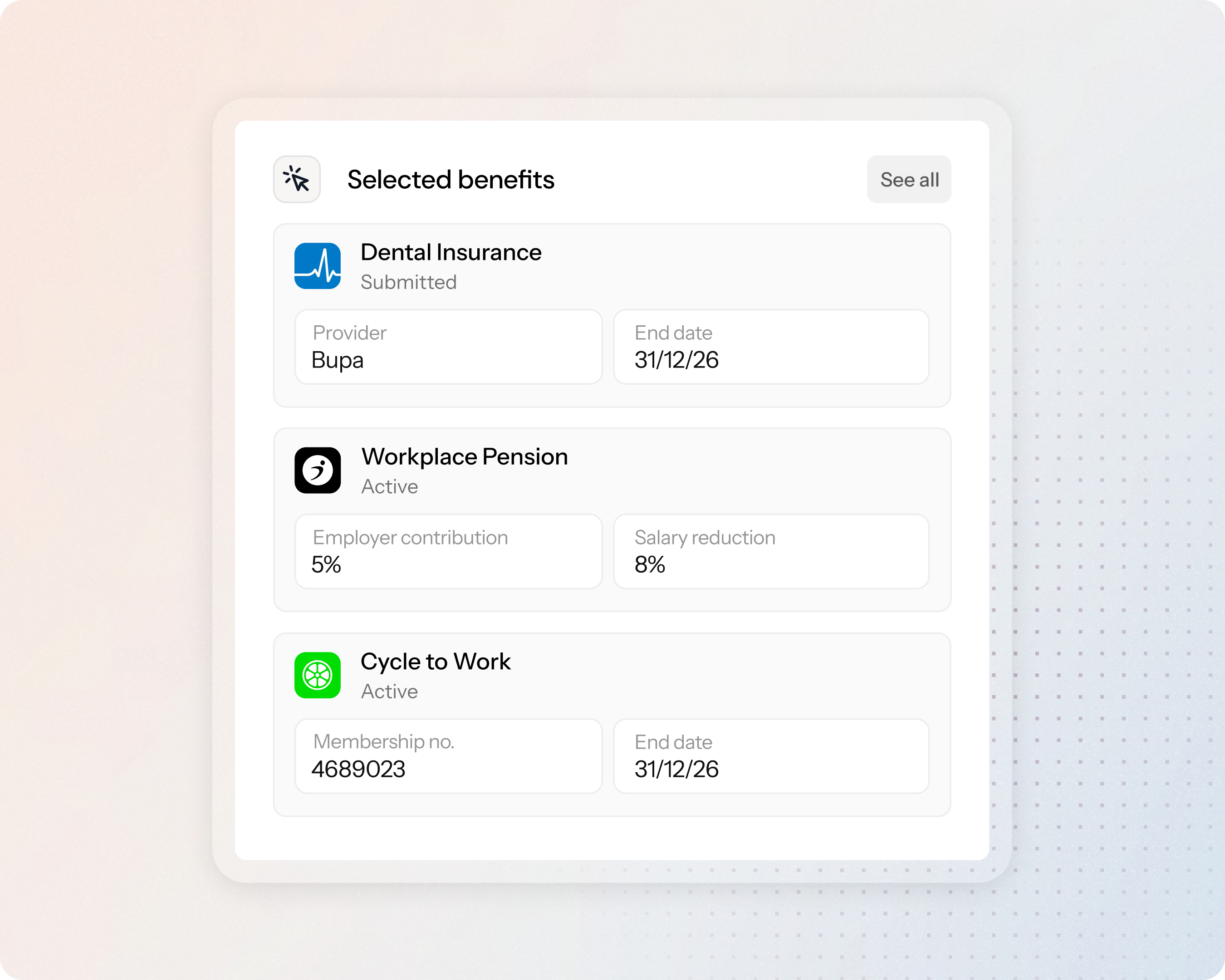
The benefits widget shows an employee every benefit they have, so a new joiner knows what they can use from day one.
Each benefit shows whether it's active or submitted, who the provider is and when it ends. So your team know what they're already enrolled in and what else they can add without to ask HR.
From there, employees can click through to the full benefits page for all the details of each benefit or plan.
Total rewards at a glance
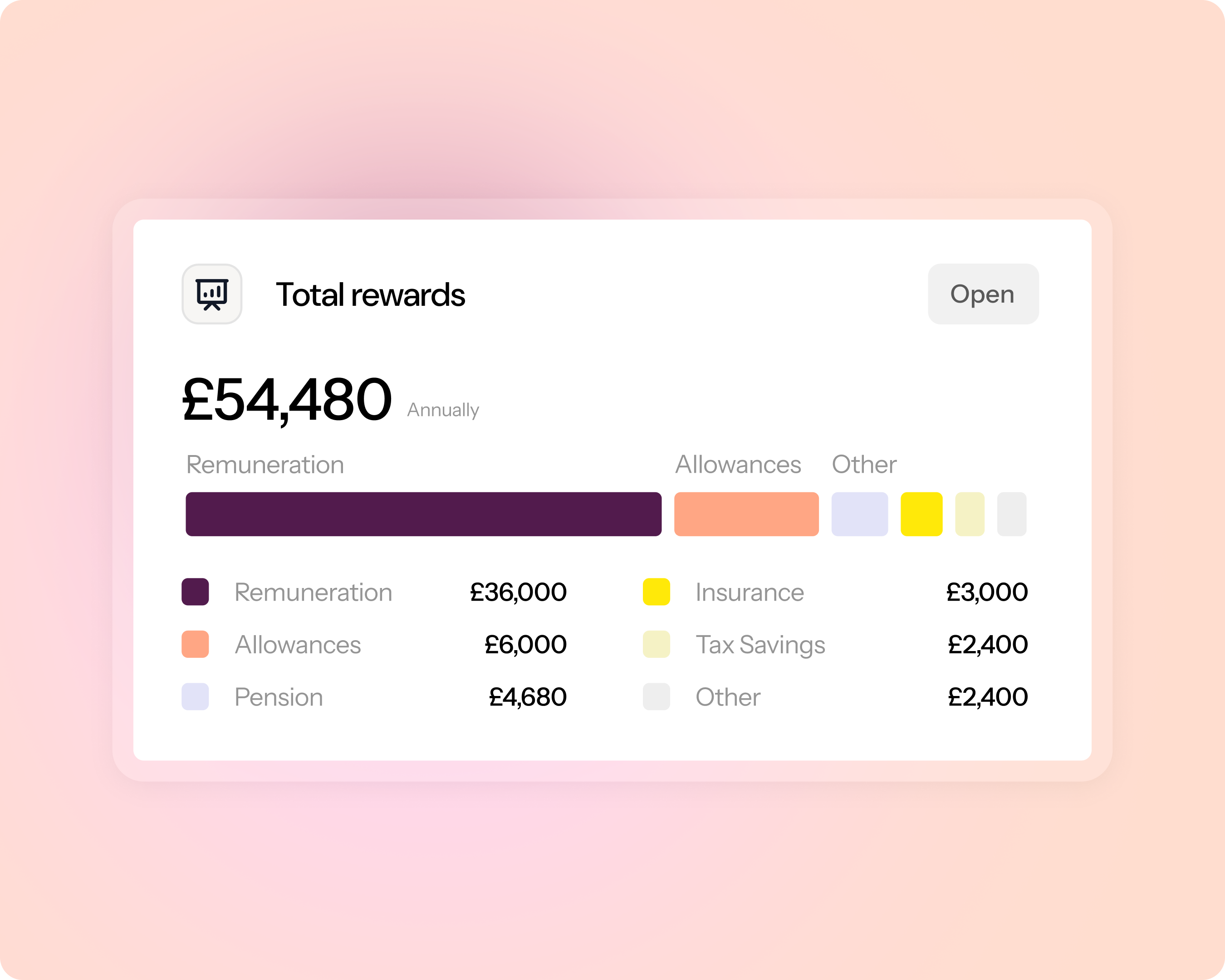
The total rewards widget shows employees what their whole package is worth, as one annual figure.
The total is split into pay, allowances, pension, insurance, tax savings and other, and it opens the full total rewards page. Seeing their pension and insurance next to their pay shows employees how much more their package is worth than their salary alone.
There's more on what a statement includes in our guide on total reward statements.
Allowances and flex budget
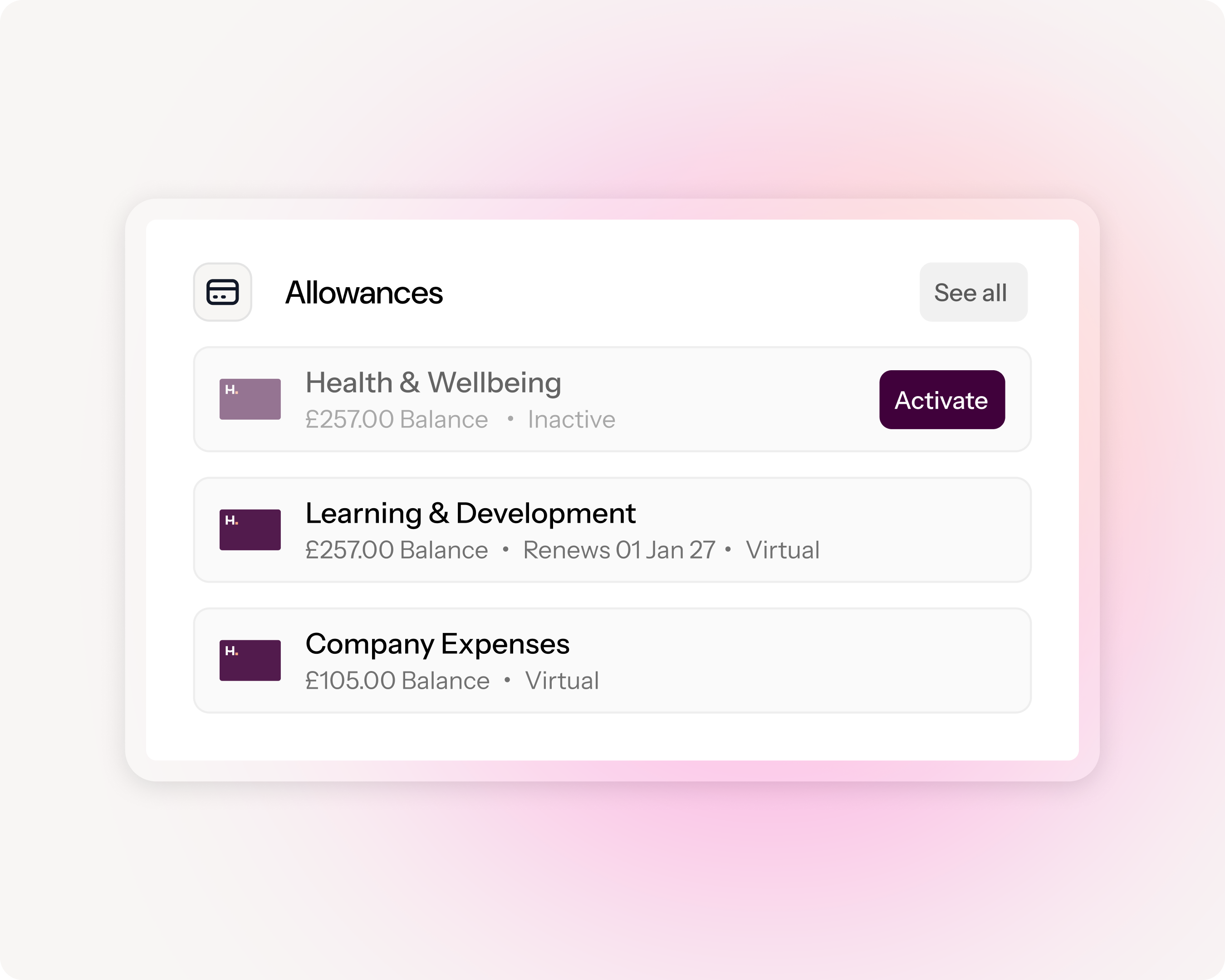
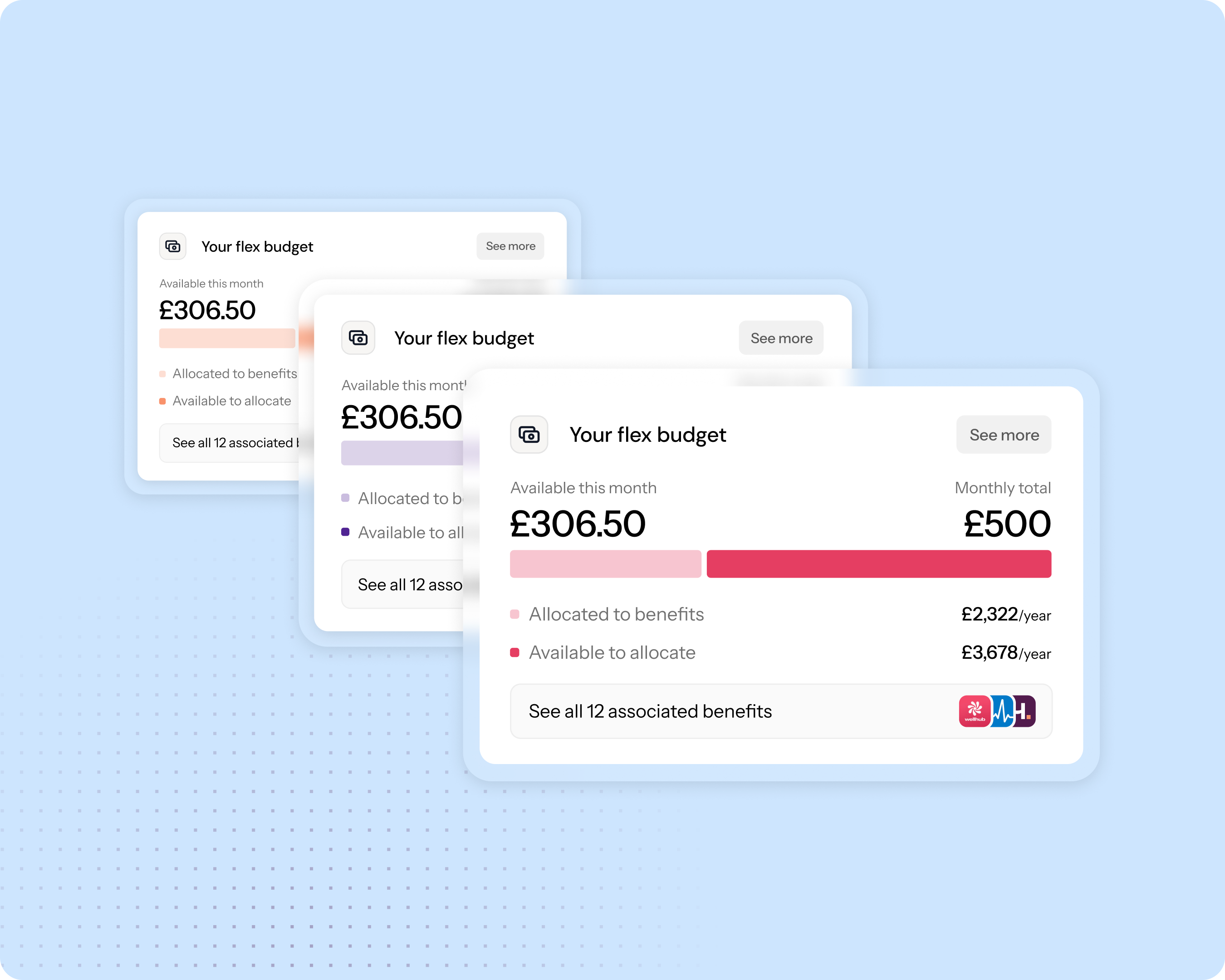
Employees can see how much is left in each allowance and when it tops up, so they know what they can still spend. If you offer a flex budget, they can also see how much they've put towards benefits this month and what's still free to use.
Highlights from HR
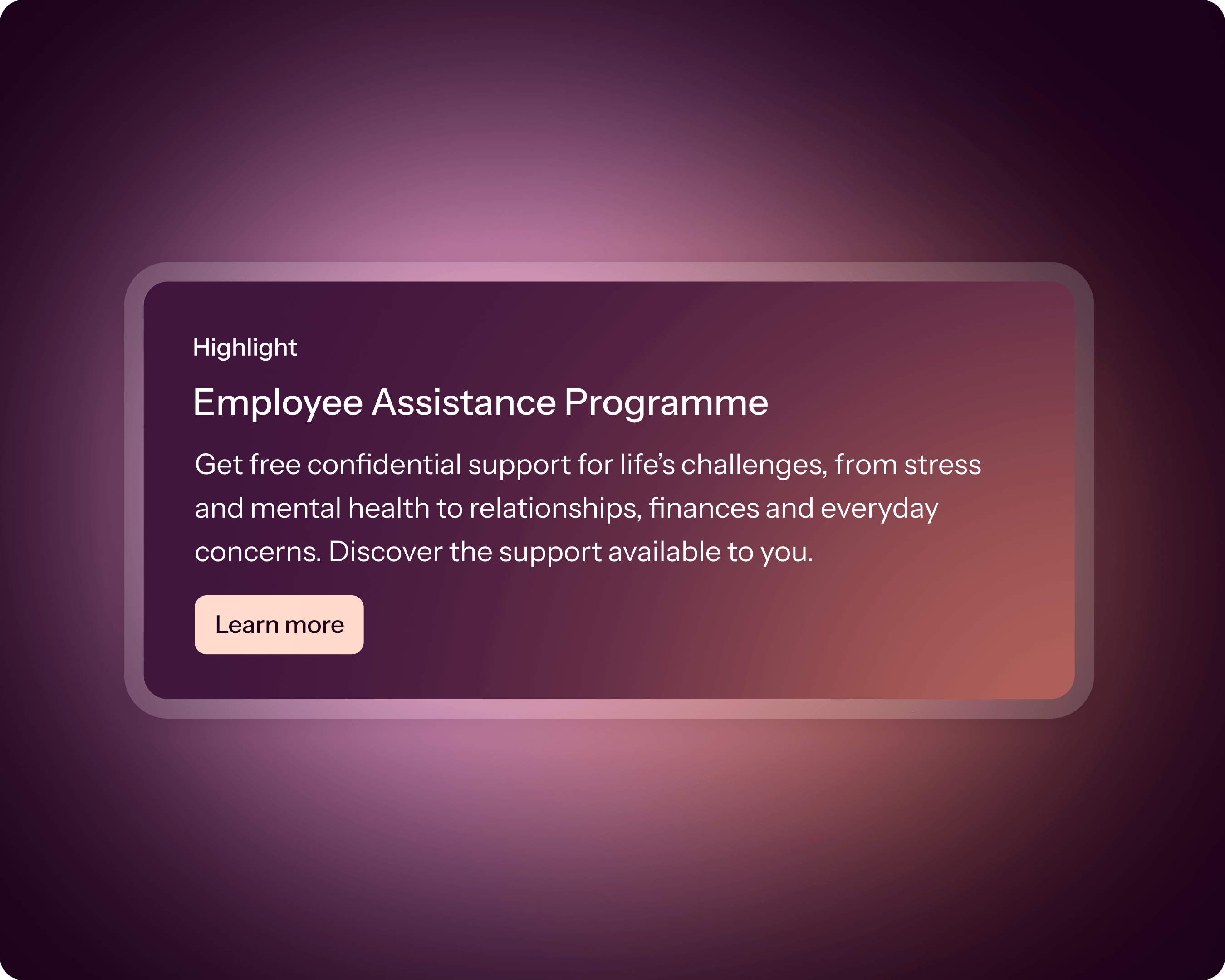
You can choose a benefit for everyone to see as soon as they log in. For example, you could highlight your employee assistance programme, so everyone knows it's there when they need it.
You have three ways to put something in front of your people:
- A highlight on one benefit, so it's the first thing people see when they log in.
- A banner for what's happening now, like an enrolment window or a new benefit. You add the copy, image and button, and it's in your company's branding.
- Marketplace highlights, an offer from a partner brand that employees can use through their benefits.
Shortcuts to the tools staff already use
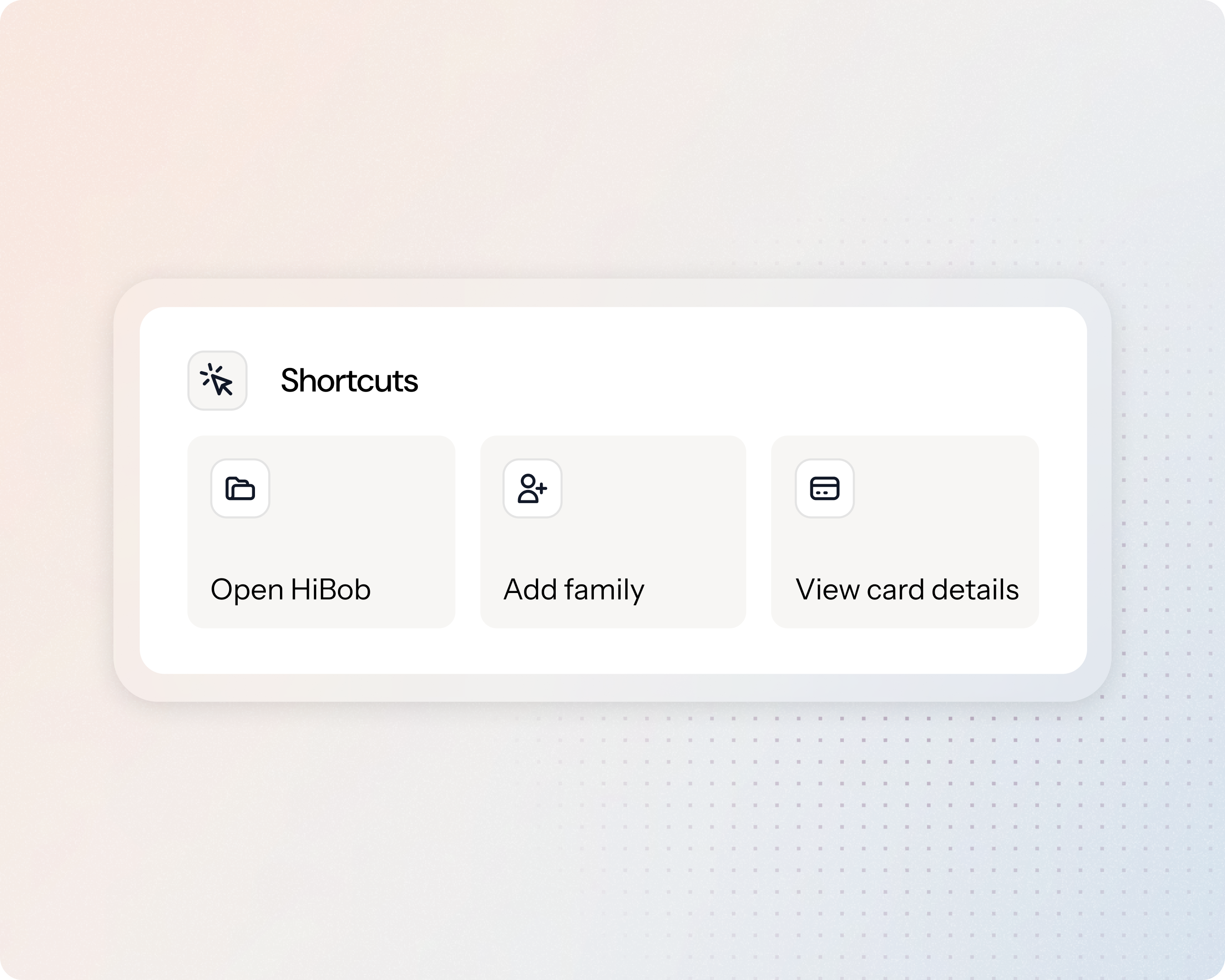
The homepage can take employees straight to other tools they use and the things they do most often. You choose the shortcuts, so a click can take someone to your HR system, such as HiBob, or let them add a family member or see their card details.
Happl AI, one click away
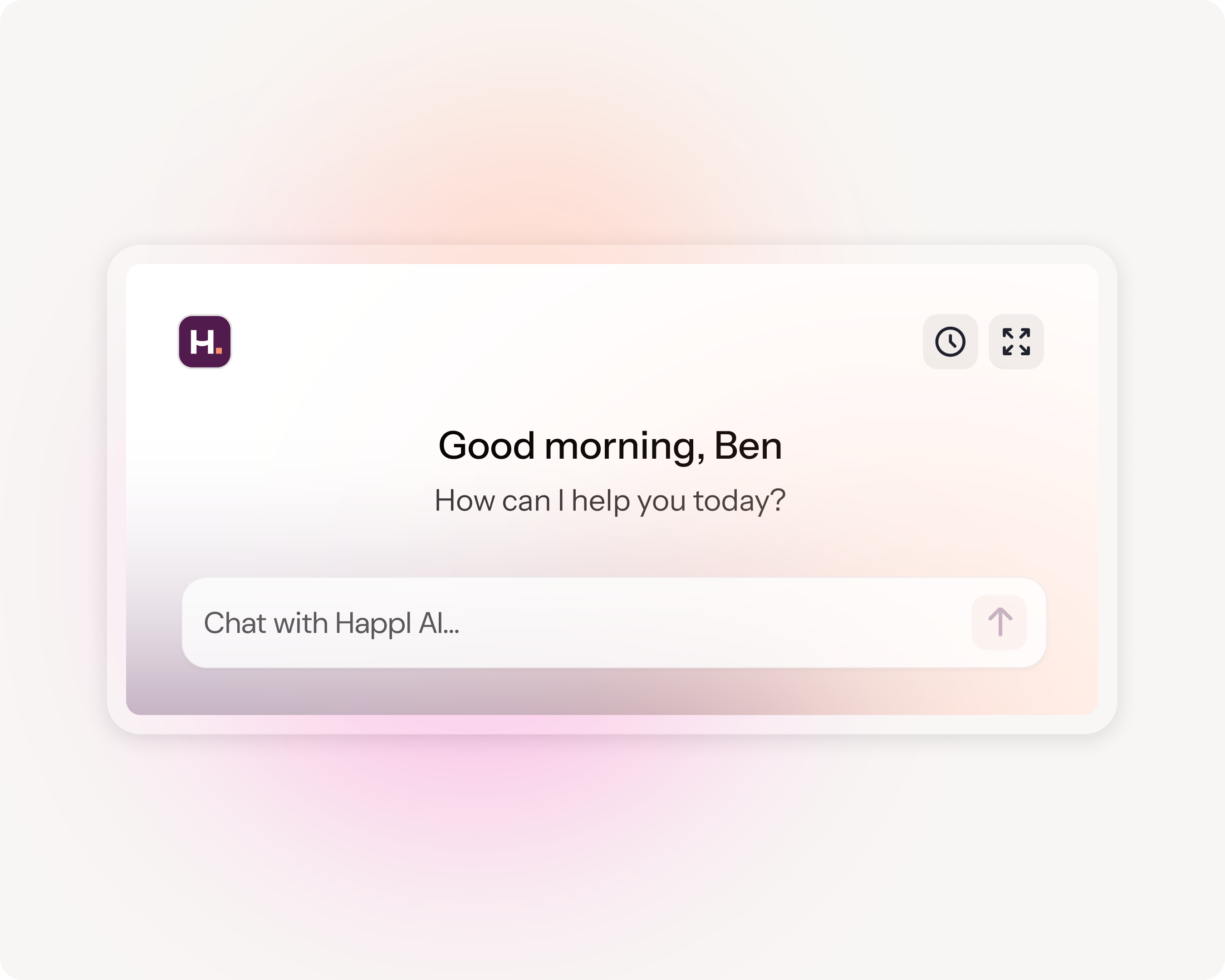
Employees can ask Happl AI a question straight from the homepage or from anywhere else in Happl.
In your company's branding
The homepage uses your company's colours. It pulls your branding from your own website, so it's set up in seconds.
What the homepage updates mean for you
Your employees get one place to see what they have, what it's worth and what's left to spend.
When people can see what they have, they're more likely to use it. The new homepage makes your benefits easy to find, so more of your people use them and you can look after them better.
FAQ
Are widgets available to every Happl client?
The new homepage is rolling out to Happl clients. Your Happl contact can confirm when it reaches you.
Can each country have a different homepage?
Yes. You set up each widget per country, and a widget for a feature that isn't switched on in a country stays hidden.
Is the new homepage in the Happl mobile app?
Yes. Happl has a web app and a mobile app for iOS and Android, and the new homepage is in both.
Can employees hide salary and benefit values on screen?
Yes. A 'Hide my sensitive data' switch hides money values, which helps in an open-plan office or on a train.



Offer true flexibility to your team today
See how Happl runs spend allowances at scale, with eligibility, spend controls and payroll reporting automated across every market you operate in.